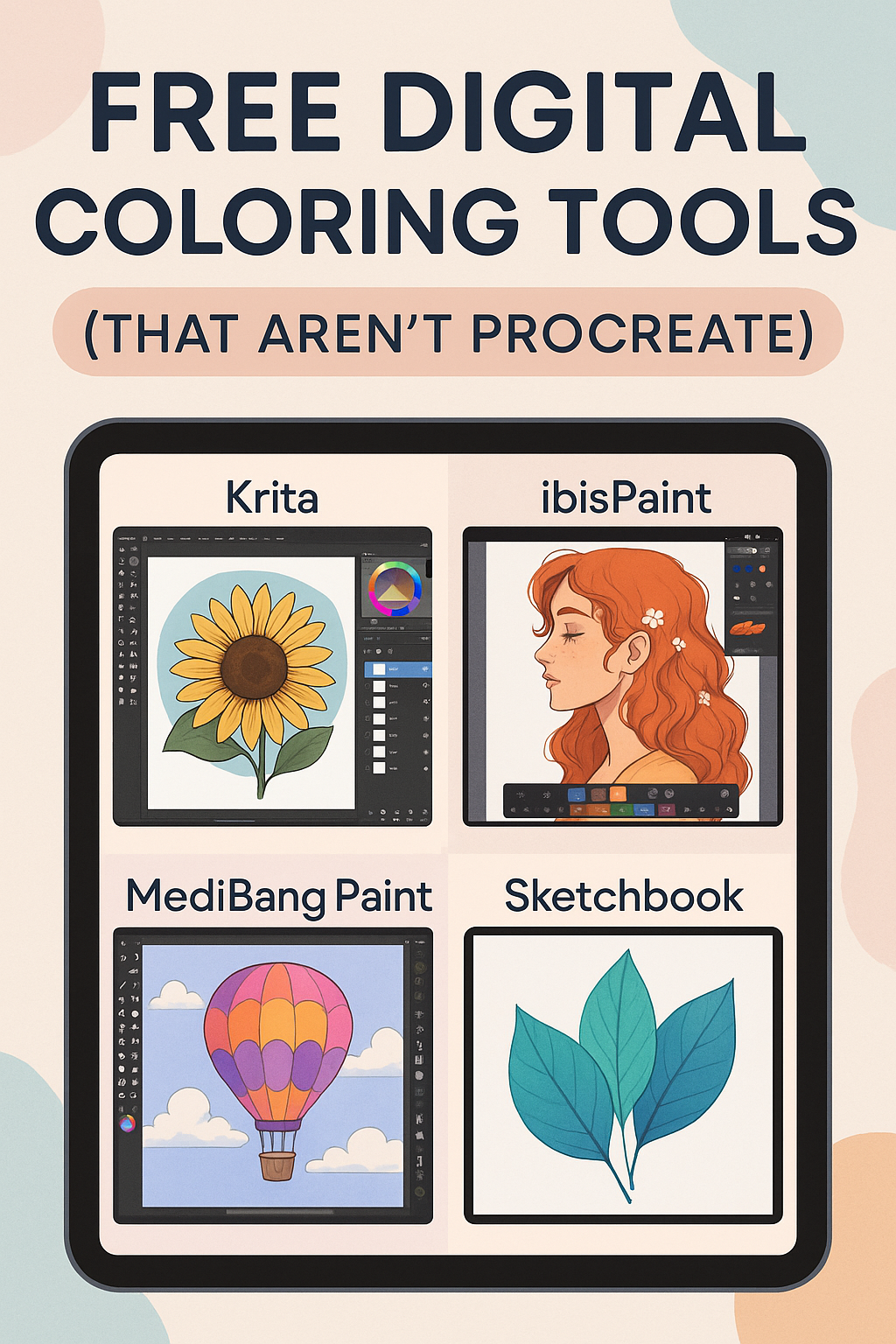
The Best Free Digital Coloring Tools (That Aren’t Procreate)
Think Procreate is the only game in town? Think again.
Whether you’re just starting with digital coloring or simply looking for alternatives, there’s a whole world of free digital coloring tools you might not know about. These tools are perfect for artists, hobbyists, and creative minds who want to color, draw, and design – without paying a dime.
We are going to be introducing to you the best free apps and programs to get you coloring digitally without Procreate – and still get stunning results.
Before we dive in, here’s a quick table of contents to help you jump straight to your favorite digital coloring tools. Whether you want a desktop powerhouse or something for your tablet, the list below has something for every kind of artist.
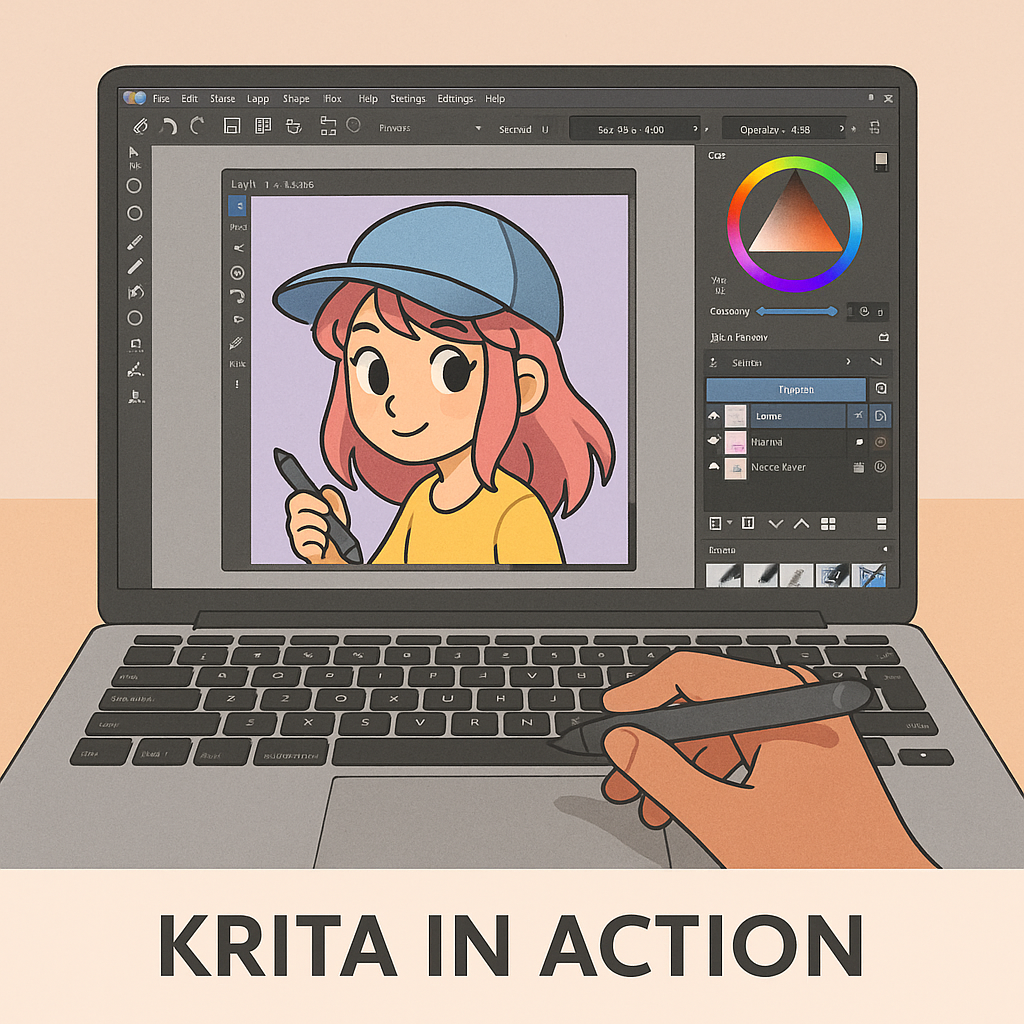
Krita – Powerful Desktop Coloring Without the Price
Krita is one of the most powerful free digital coloring tools available for desktop users. Built by artists, for artists, it combines a user-friendly interface with deep customization for brushes, layers, and blending modes.
If you’ve ever wished Procreate existed for Windows or Linus, Krita is your answer. It supports pressure sensitivity, stylus input, and advanced features like HDR painting and animation tools – all for free.
Krita shines for coloring book creators and digital painters alike. Whether you’re adding color to pre-drawn line art or creating your own illustrations from scratch, it handles both with ease.
It’s especially popular among intermediate users who want professional tools without the Adobe subscription. If you’re ready to level up your digital coloring, Krita delivers big – without costing a cent.
ibisPaint – Mobile Coloring with a Pro Feel
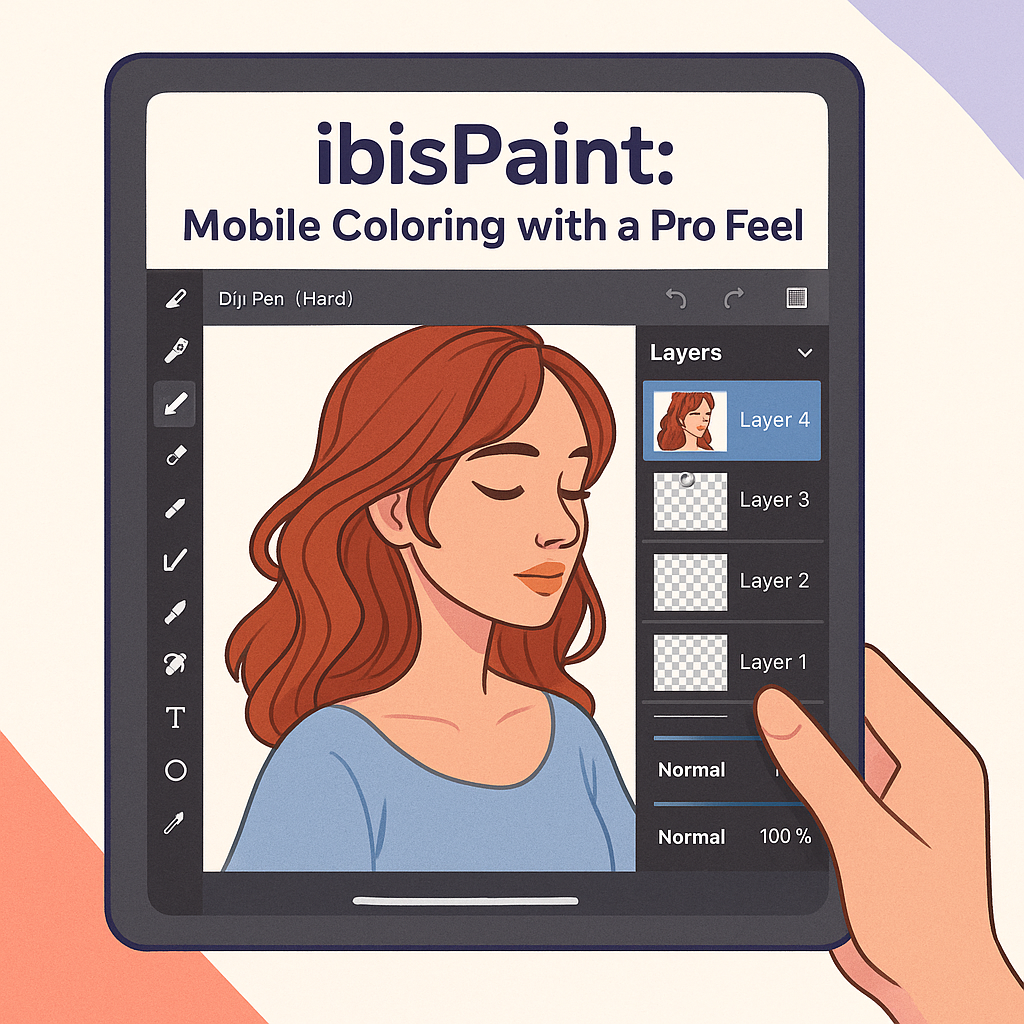
ibisPaint is one of the most popular free digital coloring tools for mobile users – and for good reason. It combines powerful features with a surprisingly smooth and intuitive interface, even on smaller screens.
With over 15,000 brushes, layers, blending modes, and stabilizers, ibisPaint is a dream come true for coloring enthusiasts on the go. Whether you’re shading a digital coloring page or drawing from scratch, everything is at your fingertips.
The app also includes built-in screen recording, so you can share time-lapses of your process or review your technique later. Best of all? It works flawlessly with a stylus or just your finger.
If you want the flexibility of coloring anywhere – without sacrificing quality – ibisPaint is a must-download.
MediBang Paint – Lightweight, Fast & Perfect for Beginners
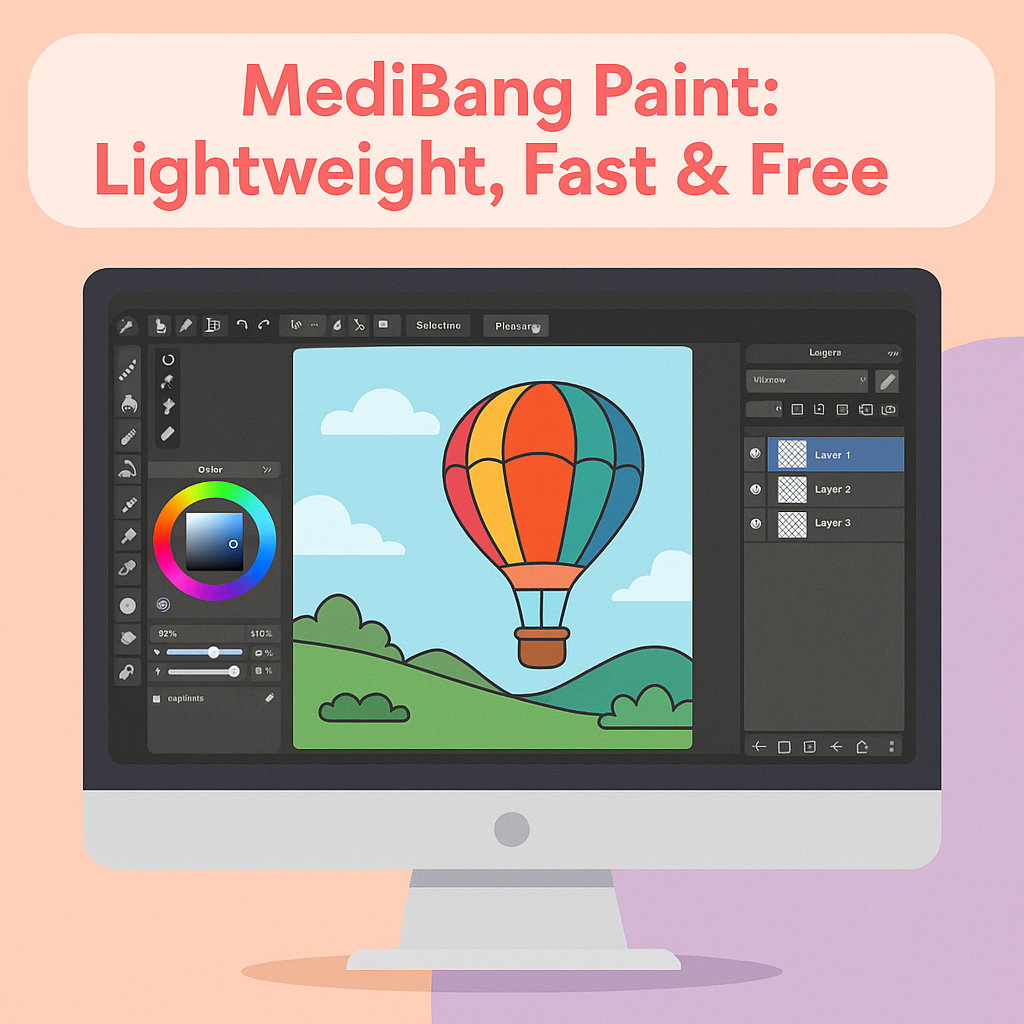
If you’re looking for a simple, fast, and intuitive coloring tool, MediBang Paint is a hidden gem. Designed for comic artists and illustrators, this app is lightweight – but packed with enough features to handle detailed coloring work.
MediBang is available on Windows, Mac, Android, and iOS, and it syncs across devices through the cloud. That means you can start coloring on your tablet and finish up on your laptop.
The interface is beginner-friendly, but still includes layers, brushes, screentones, and comic panel tools. It’s a great option for artists who want a Procreate-style experience – without the learning curve.
MediBang also has a library of free cloud fonts and community templates, making it especially useful if your into comic-style coloring or manga.
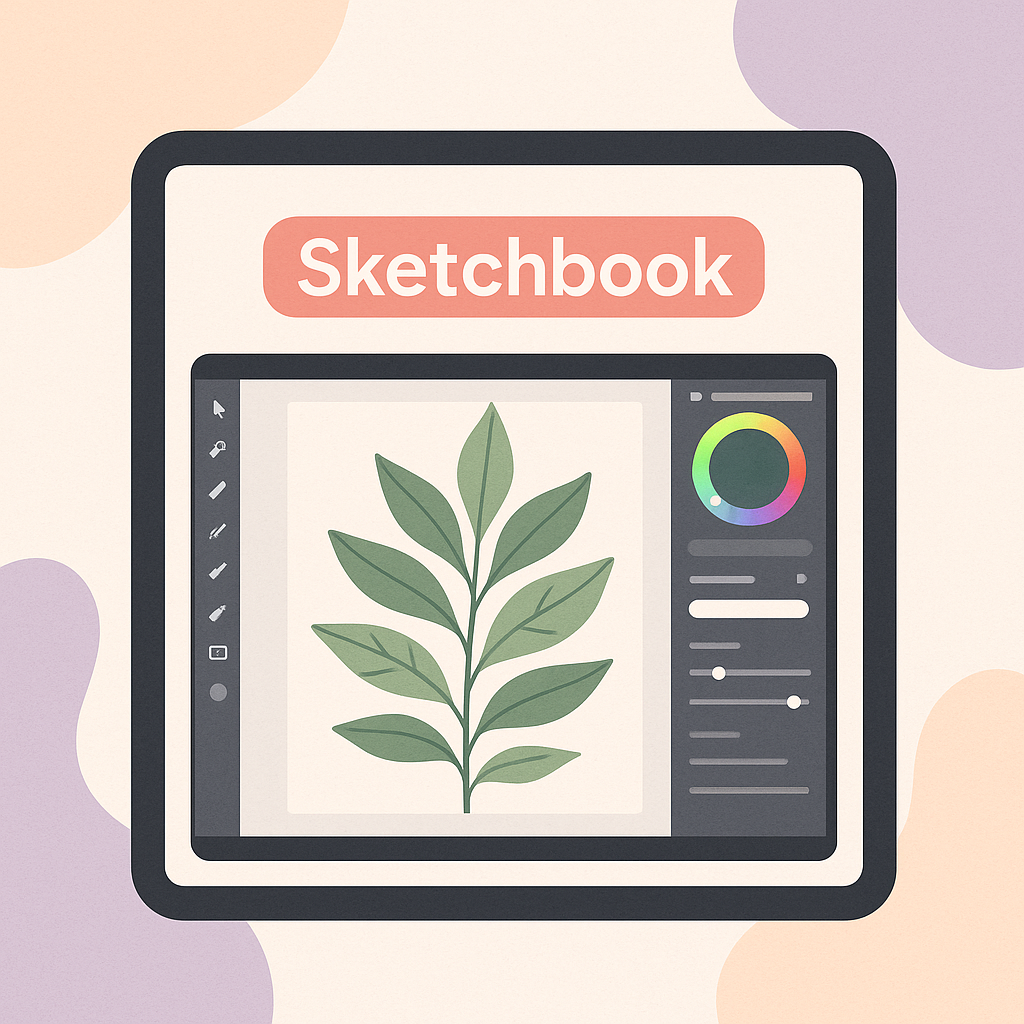
Sketchbook – Sleek, Streamlined, and Stress-Free
If you’re looking for a clean, distraction-free coloring experience, Sketchbook is your go-to app. Originally developed by Autodesk, this tool is now completely free – and just as powerful.
The interface is minimalist, allowing your art to take center stage. It’s ideal for users who want a smooth, intuitive workflow without getting bogged down in complex menus or popups.
Sketchbook supports layers, custom brushes, color blending, and pressure-sensitive stylus input. Whether you’re coloring line art or building illustrations from scratch, the process feels effortless.
Perfect for beginners and pros alike, Sketchbook delivers a calming, professional environment that makes digital coloring feel natural – like drawing on paper, but better.
Final Thoughts: Digital Coloring Has Never Been So Accessible
You don’t need a premium app like Procreate to enjoy digital coloring. These free tools – Krita, ibisPaint, MediBang Paint, and Sketchbook – offer powerful features, intuitive interfaces, and creative freedom for artists at every level.
Whether you’re coloring detailed illustrations, testing out new brushes, or just relaxing after a long day, each of these apps makes digital art more approachable (and affordable).
Explore them. Test a few out. See what fits your style.
And if you loved this guide, don’t forget to share it with a fellow artist or hobbyist looking for new digital tools.
🎨 Ready to start coloring? Download one of these free apps and unleash your creativity—no subscriptions required.